Search, filters and list views
The All Events list is wide once you are responsible for more than a handful of events. The toolbar above the table narrows it: a search box, three filters, a sort control on every column, a column-visibility menu and the page footer. The search, the filters, the sorting and the page controls all stay in the page address, so a narrowed list can be bookmarked or sent to a colleague and they will see the same rows. Which columns you have hidden is remembered by the browser you are using, not by the address.
This page is about those controls. What the columns themselves contain is in Your events and events you help manage.
Everyone with an account can use these controls.
No role, no paid package and no existing event are required — the controls are simply inert until the list has rows to narrow.
Where they are in the app
The toolbar sits between the result count and the table on /en/dashboard/events, and reads Search events…, Location, Active Tier, Status, then Reset. View sits at the far right. The footer below the table carries the page controls.
| Control | Serbian label | What it is |
|---|---|---|
| Search events… | Pretraži događaje… | A text box that matches the event title. |
| Location | Lokacija | A text box that matches the event's location. |
| Active Tier | Aktivni paket | A multi-select list of packages. |
| Status | Status | A multi-select list of the four status labels. |
| Reset | Poništi | Appears once at least one filter or a sort is set; clears the filters, the sorting and the page. |
| View | Prikaz | Shows and hides columns. Not a layout switch — see Choosing which columns you see. |
Narrowing the list
Searching by title
Type part of an event name into Search events…. The list narrows as you type and the result count above the table follows.
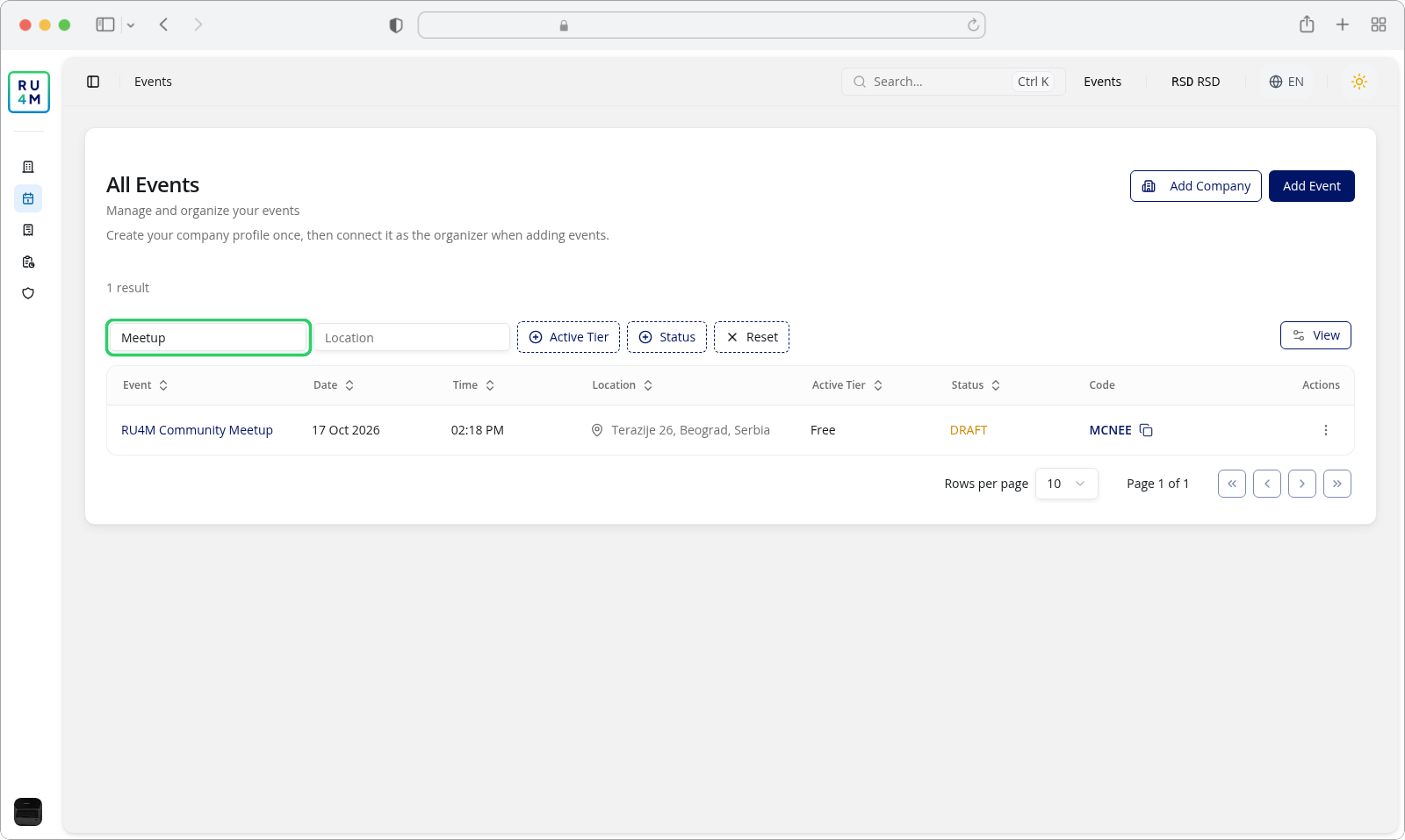
The search matches the event title only. It does not look at the location, the package, the event code or the description, so an event you can see in the table will not turn up unless its title contains what you typed.
Two details worth knowing:
- Matching ignores case and accents, so
beogradfinds Beograd andBeogradjfinds Beograd. - A typed
%or_is not treated as a wildcard — it is matched literally. Use plain words.
Filtering by status
Open Status and tick one or more of the four labels. Several ticks mean any of these, not all of them.
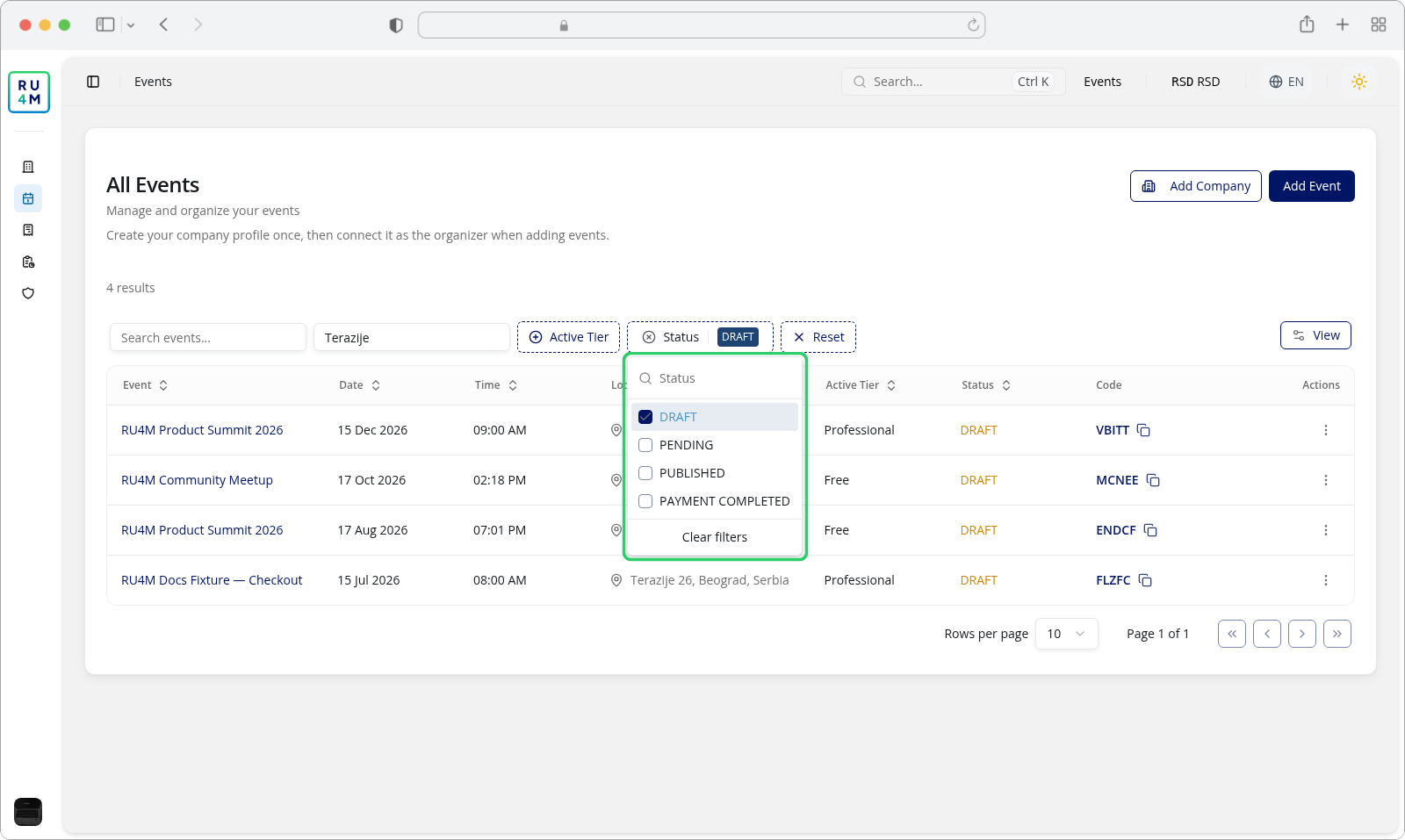
Status is a label the list computes, not a value it stores
An event that has been paid for but sits on a free package is shown as DRAFT, because a free package carries no payment. Selecting DRAFT therefore also returns those paid events, and PAYMENT COMPLETED returns only paid events on a paid package. Each event is listed under exactly one of the four labels, so that paid free-tier event comes back from DRAFT and never from PAYMENT COMPLETED — the two selections do not overlap.
The four labels are the same English words in both languages of the interface: DRAFT, PENDING, PUBLISHED and PAYMENT COMPLETED.
Filtering by package
Open Active Tier and tick the packages you want.
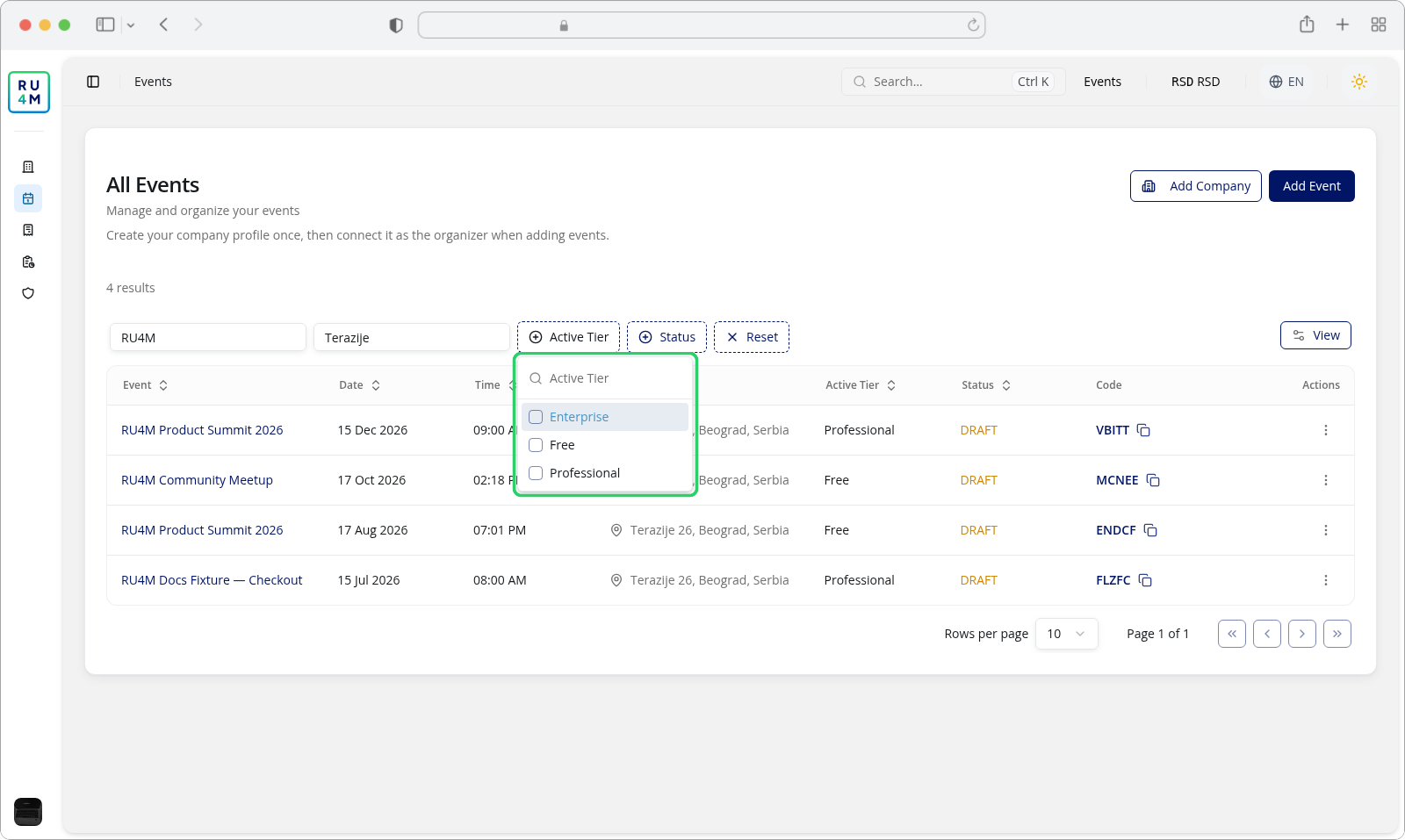
The list of packages is built from the events you can currently see, and it moves with your search — narrow the search and the options narrow with it. Status, Location and the package filter itself do not change this list.
An event matches a package only when exactly one package is active
An event with no active package shows — in the Active Tier column, and an event with two active packages never matches this filter at all. Such an event is reachable through View and the edit page, not through this list.
Filtering by location
Type into the Location box to match the event's location.
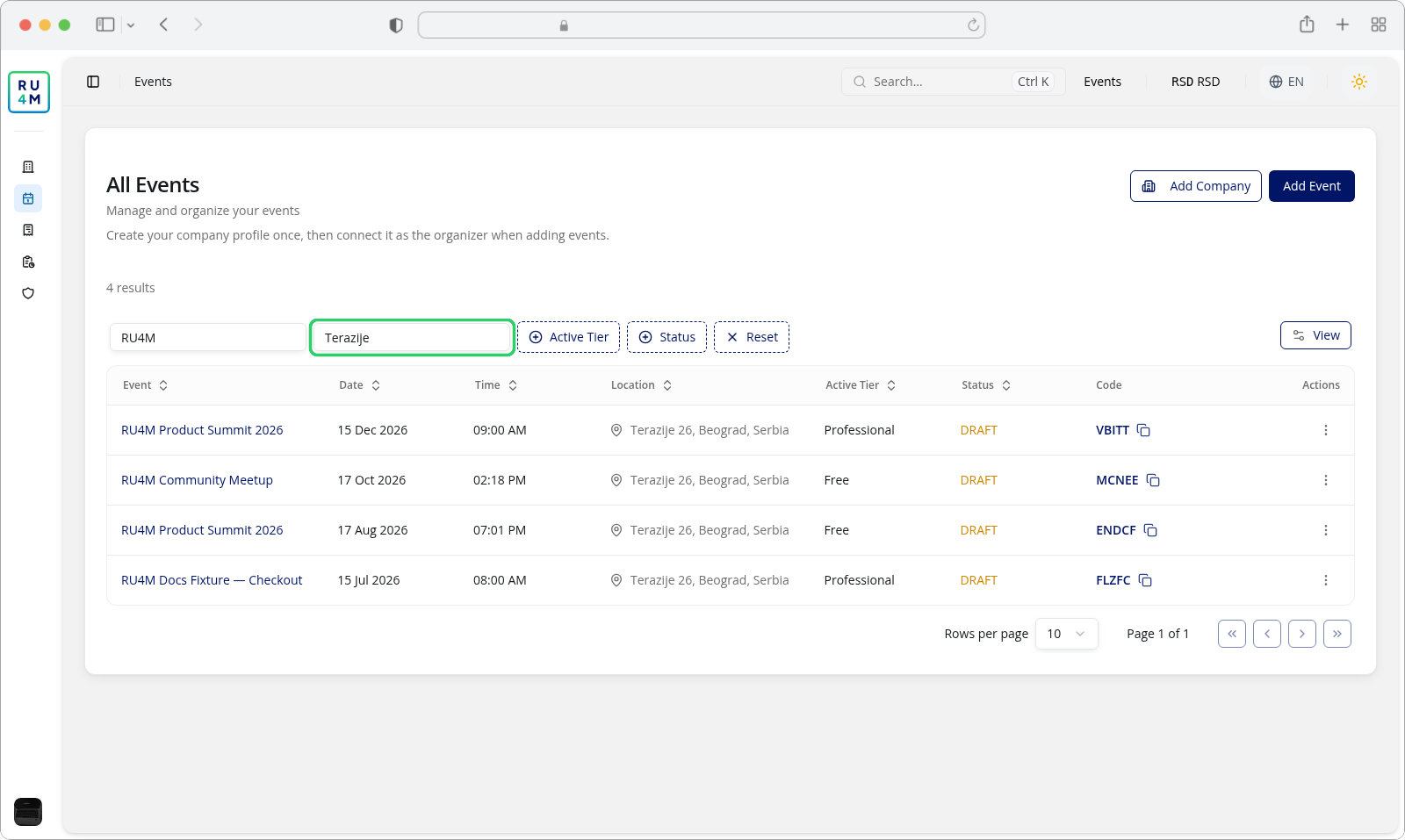
This is a separate match from the search box: it looks at the location rather than the title. Like the search box it ignores case and accents, and unlike the search box it treats % and _ literally too.
Filters combine. Set a location, a package and a status together and you get only the events that satisfy all three.
Every filter reaches every event, not just this page
Filtering happens on the server against the whole list, so a filter narrows all the events you can act on rather than the ten or twenty currently drawn. The result count above the table is the size of the filtered list, which is why it changes before the rows do. There is no "this page only" mode on this screen.
Sorting
Every column except Code and Actions has a sort. Click its header to open a small menu offering Asc, Desc and Hide.
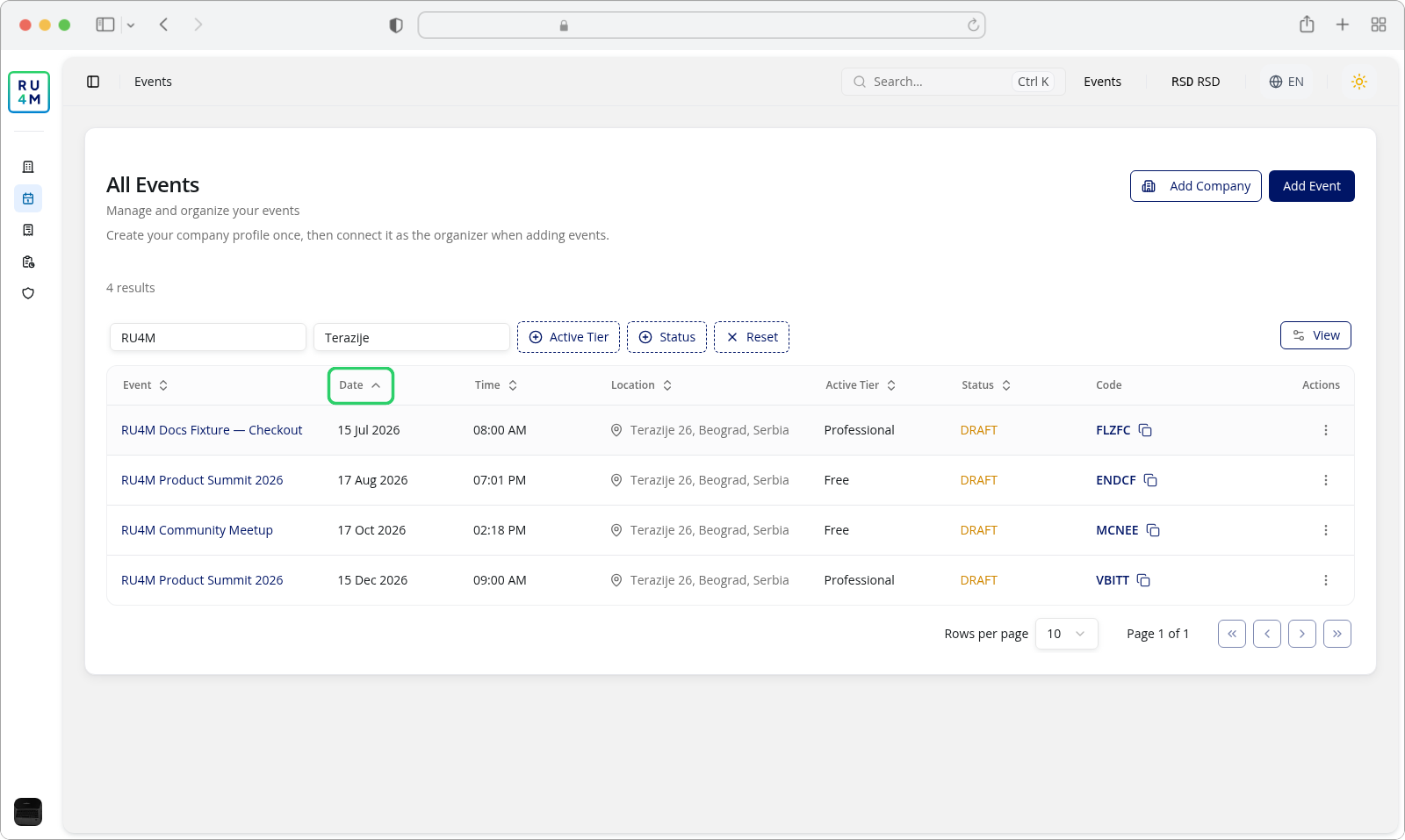
The indicator on the header tells you the current direction, and the arrow inside the menu marks which one is applied. Choosing Hide in this menu removes that column, exactly as the View menu does.
You can hold up to three sort levels at once, applied in order, which is how you sort by package and then by date inside each package. Before you add any, the list is already ordered by start date, newest first.
Date and Time sort the same thing
Both columns sort on the event's start date, so sorting by one and then the other cannot produce two contradictory orders — the second click replaces the first.
Choosing which columns you see
View opens a menu with a Search columns… box and the columns you can switch on and off.
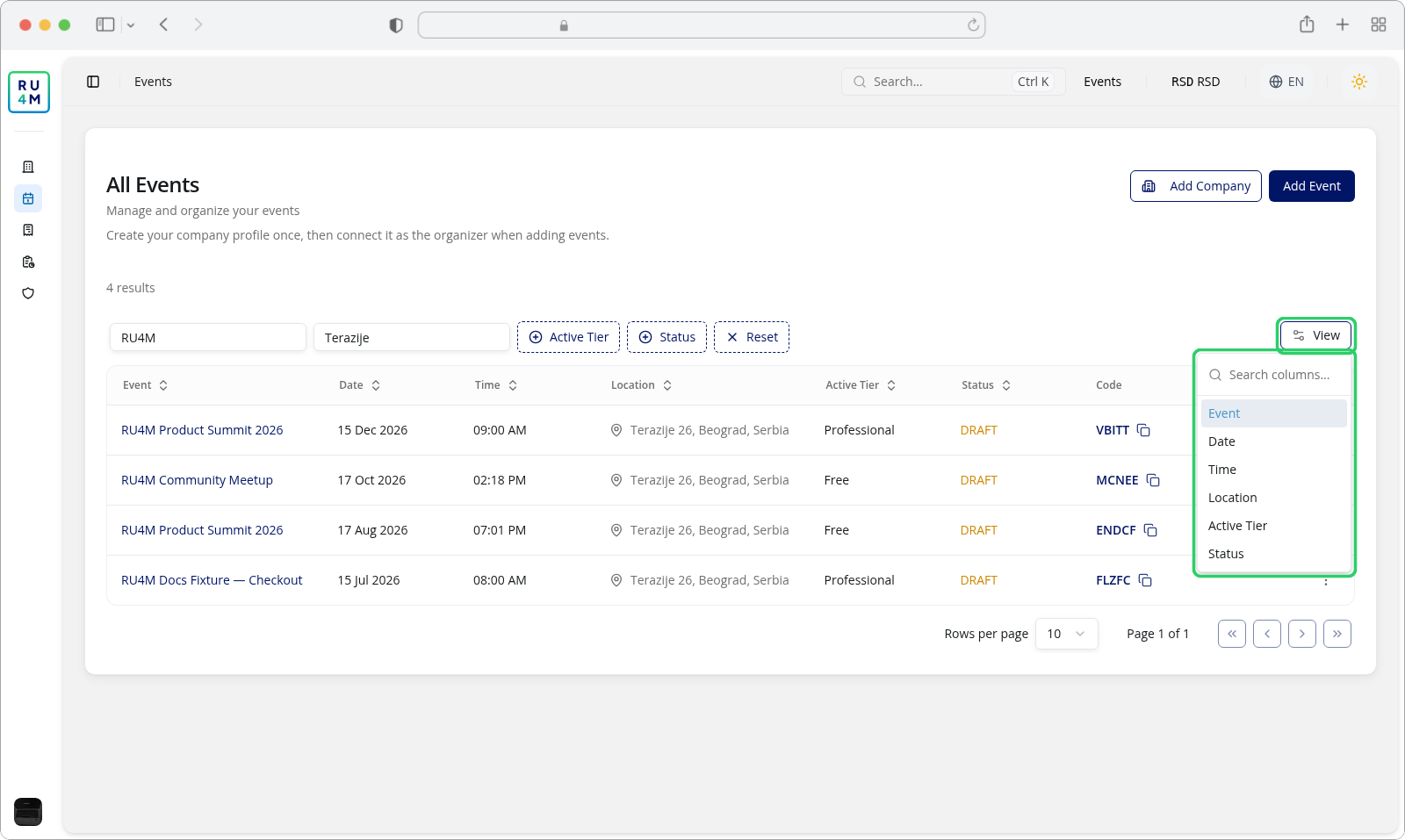
Six columns are listed: Event, Date, Time, Location, Active Tier and Status. Code and Actions are deliberately absent and stay on screen whatever you choose.
There is no card or grid layout here
View is the column-visibility menu and nothing else. This screen is one table. The card grid you may have seen belongs to the public event directory, not to your list.
Moving through the list
The footer carries the page size and the page position.
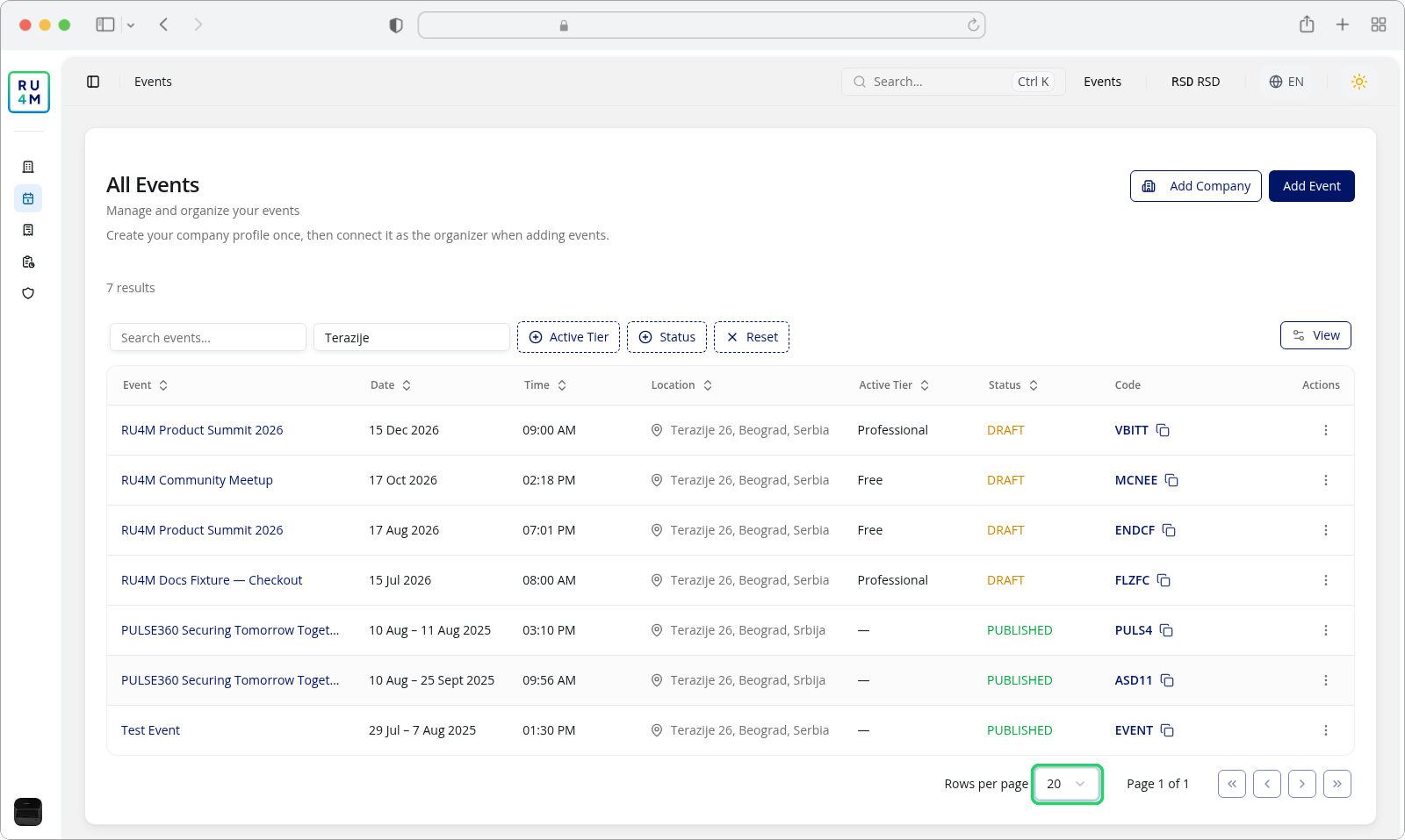
Rows per page offers 10, 20, 30, 40 and 50, and starts at 10. Next to it, Page 1 of N tells you where you are; four buttons — first, previous, next and last — move through the pages and are greyed out when there is nowhere to go. The page count follows the filters: narrow the list and the number of pages falls with it, and a filtered list that fits on one page reads Page 1 of 1.
Changing the page size does not lose your filters, and neither does changing page.
Keeping and sharing a view
Your search, the filters, the sorting and the page controls all write into the address of the page. After you have set up a view you want to keep, copy the address from your browser and keep it — a bookmark or a link to a colleague reopens the same rows in the same order.
Hidden columns are the exception. View and the Hide option in a column's menu are remembered by the page you are looking at, not written into the address, so a bookmarked or shared link opens with every column showing and you set the columns you want again yourself.
Because each change replaces the current address rather than adding a new one, the browser's back and forward buttons do not step through your filters — they return you to the page you came from.
Reset clears the search box, both text filters and both filter menus, drops the sorting and returns you to the first page, so the list falls back to the default order — newest start date first. Hidden columns are left as they are.
If something goes wrong
| What you see | What it means | What to do |
|---|---|---|
| A search returns nothing although the event is in the list | The search box matches the event title only — it does not reach the location, the package or the code. | Search for part of the title, or filter by Location instead. |
| A filter you set earlier is still applied and you cannot find it | Filters live in the address, so an old link reopens an old view. | Press Reset to clear everything. |
| The Active Tier menu does not list a package you expect | The options are built from the events in scope and follow your search term. | Clear the search box, or reset, and open the menu again. |
| You tick a package and the list empties | Only events with exactly one active package match. Events showing — in Active Tier never do. | Clear the package filter and read the Active Tier column instead. |
| DRAFT returns an event you have paid for | A paid event on a free package is labelled DRAFT. This is the intended behaviour. | Nothing to fix. Use Active Tier if you need to tell paid events apart. |
| The result count changed but the rows have not caught up | The count is the filtered total and updates first. | Wait a moment; the rows follow. |
| No events available at the moment. above the toolbar | The filters you have set match nothing. | Reset, and check that the event is one you can act on. |